

Hax Quotation
Price quotation program
An Excel program to create, save, and track quotes, and to convert an accepted quote to an invoice.
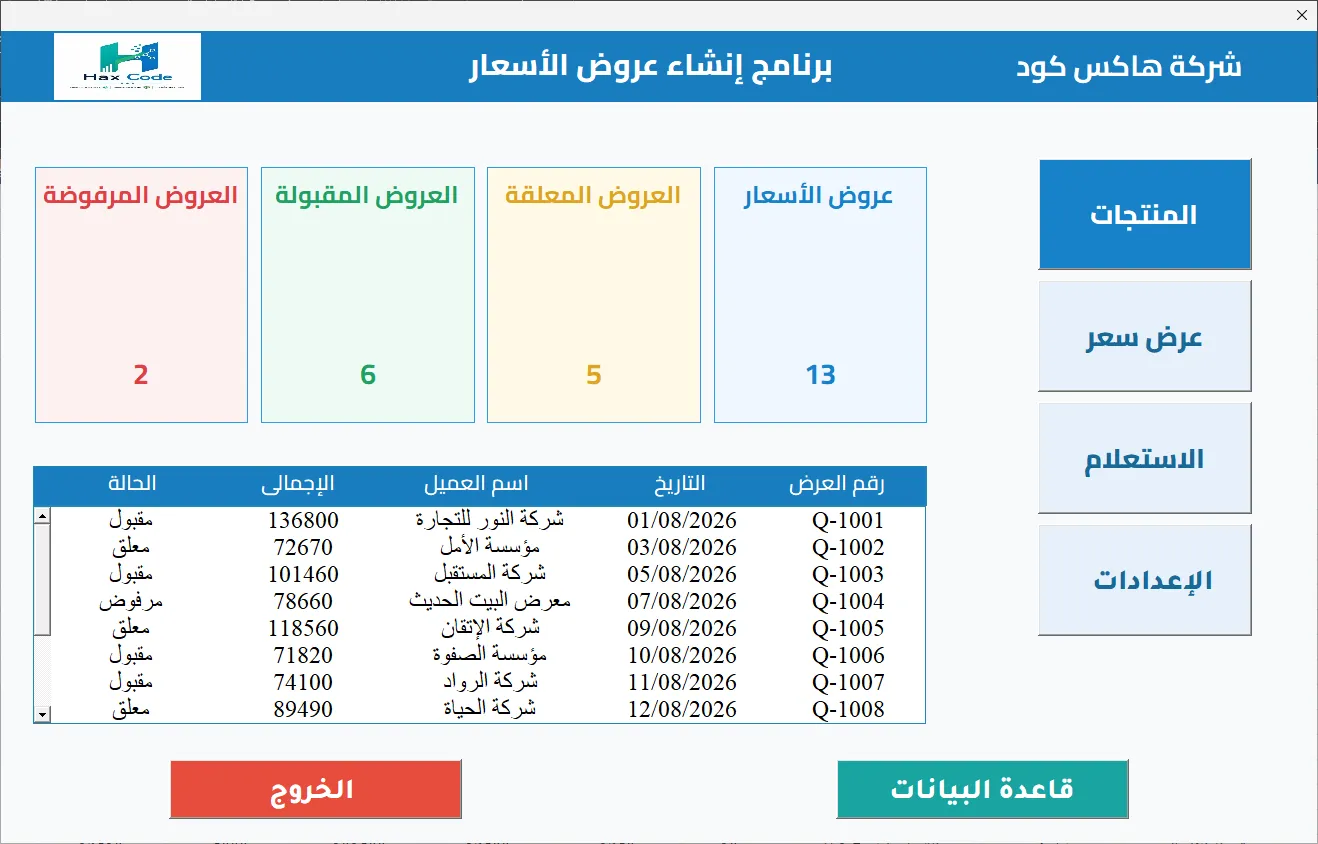
Hax Quotation helps you create and manage quotes in an organized way. You record customer and item details, then add items, quantities, and prices to a quote. The program calculates the totals automatically.
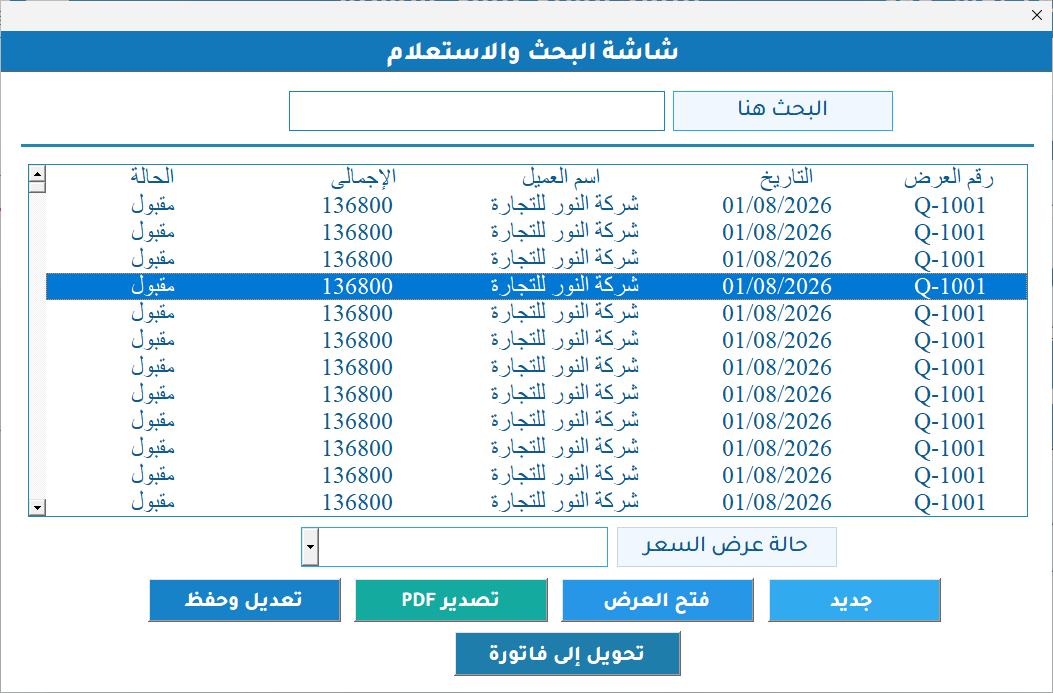
You can search for quotes by quote number, customer name, or quote date. The main screen shows the total number of quotes and how many are pending, accepted, or rejected.
The program interface is in Arabic.
The program is built with Microsoft Excel and VBA. It exports quotes as PDF files through an editable Microsoft Word template.
Why choose Hax Quotation for your quotes?
It does more than create a quote. In the same program, you create and save the quote, track its status, export it as a PDF, and convert an accepted quote to an invoice.
Program features
Customers and items
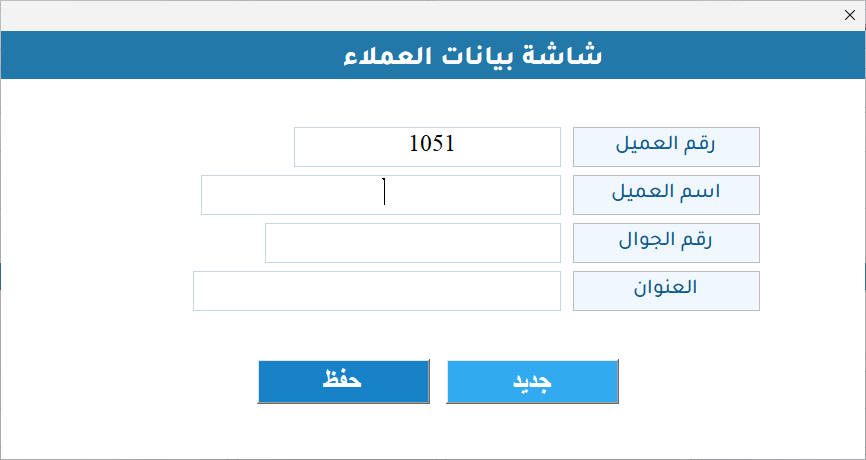
- Add and manage customers and record their details
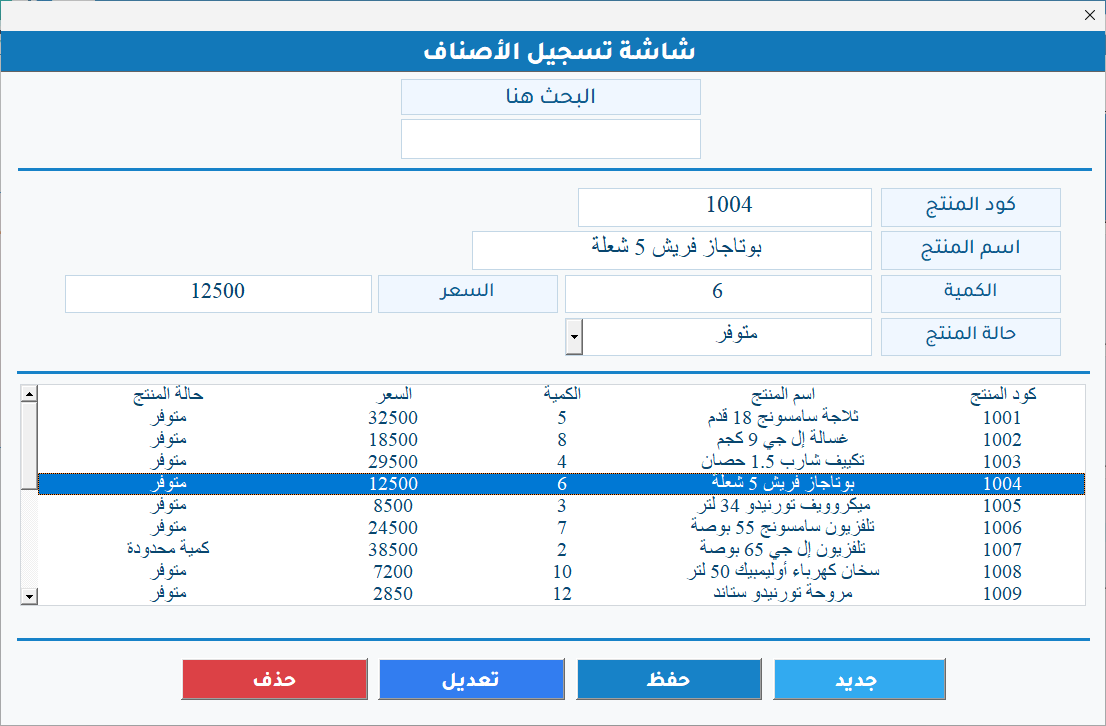
- Add and manage items and record each item's code, name, price, and status
Creating a quote
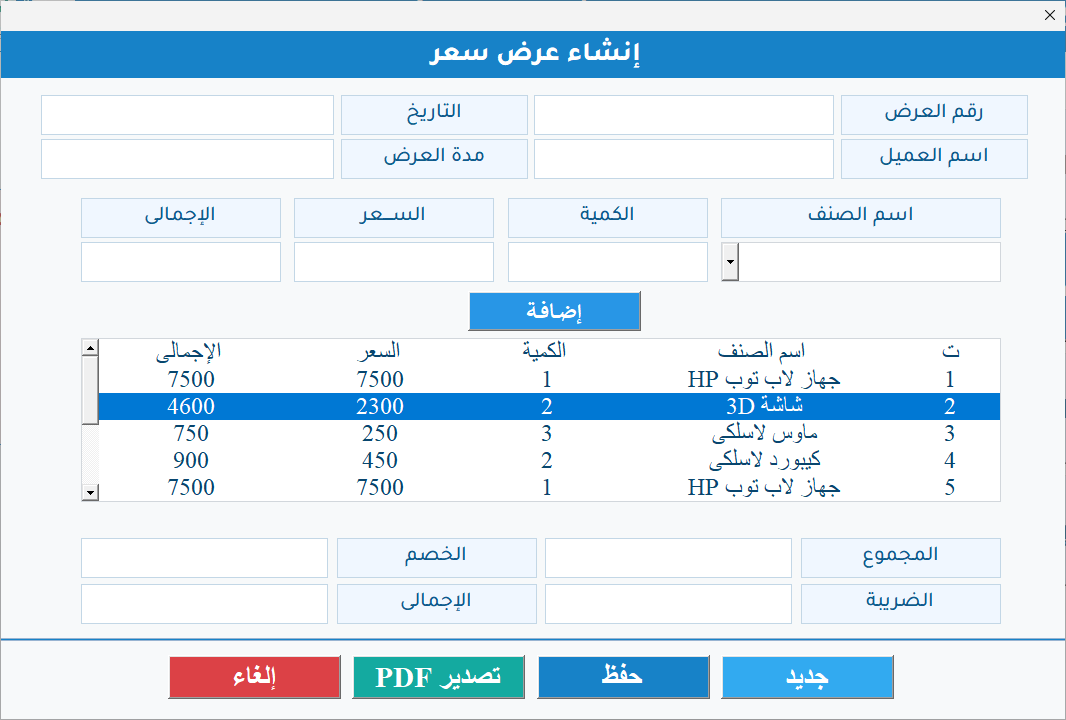
- Create a quote and add items, quantities, and prices to it
- Calculate the totals, discount, tax, and final total automatically
Saving, searching, and tracking
- Save quotes and come back to reopen or edit them
- Search for quotes by quote number, customer name, or quote date
- Record the customer's response and track the quote status: pending, accepted, or rejected
- Summary dashboard with the total number of quotes and how many are pending, accepted, or rejected
Export and invoice
- Export a quote as a PDF through an editable Word template
- Convert an accepted quote to an invoice
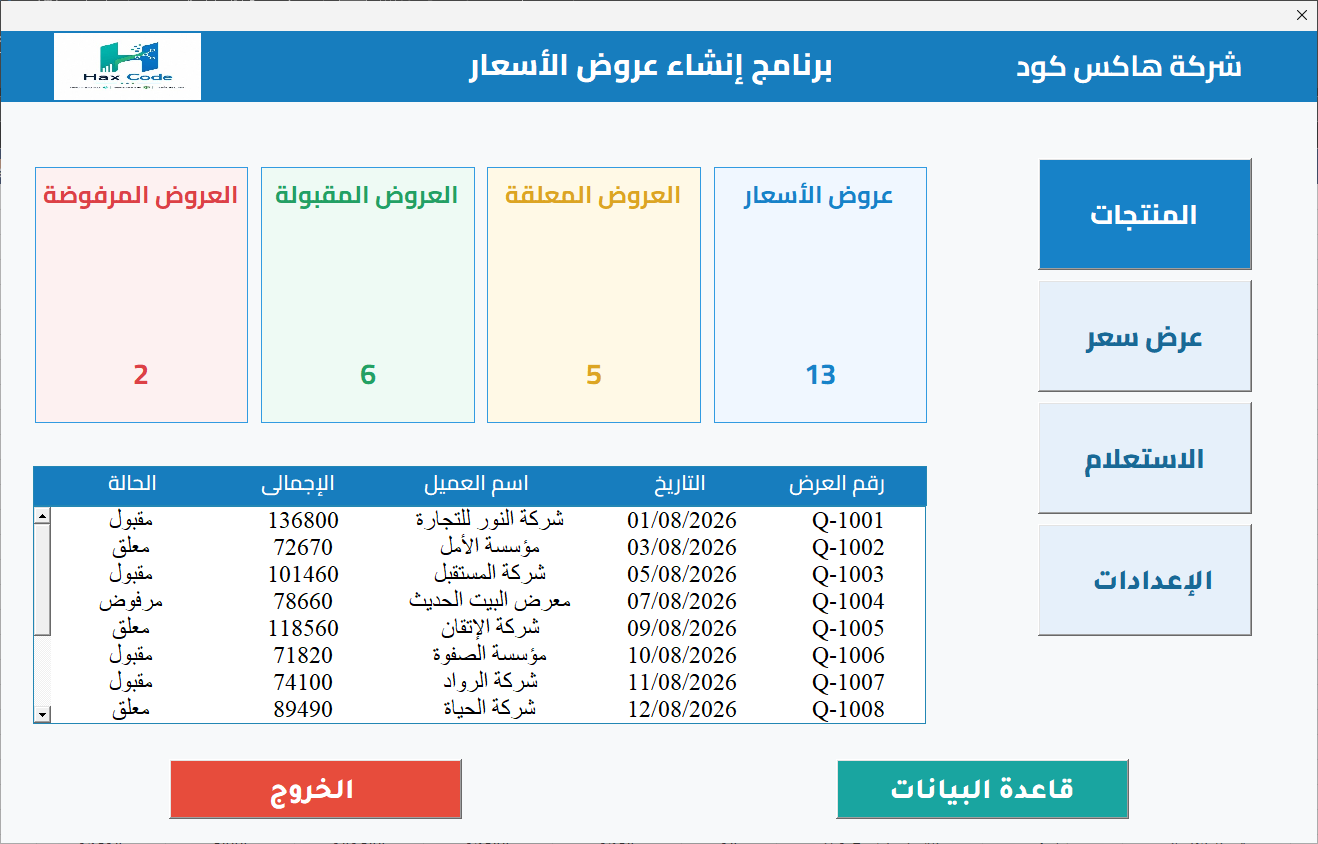
Screenshots from the program
Amounts shown in the screenshots are sample data, not prices.
Would you like to use Hax Quotation in your business?
The button opens WhatsApp with a ready-made message that names the program. You can send it to ask about the program and order it.